Laptop stand buying guide
Compare riser feet, folding stands and fixed stands. Make room for a separate keyboard and mouse before raising the screen.
Read the guide
Measure the space you have. Then decide where your laptop, desk mat and everyday cables should go.
Find a setup guide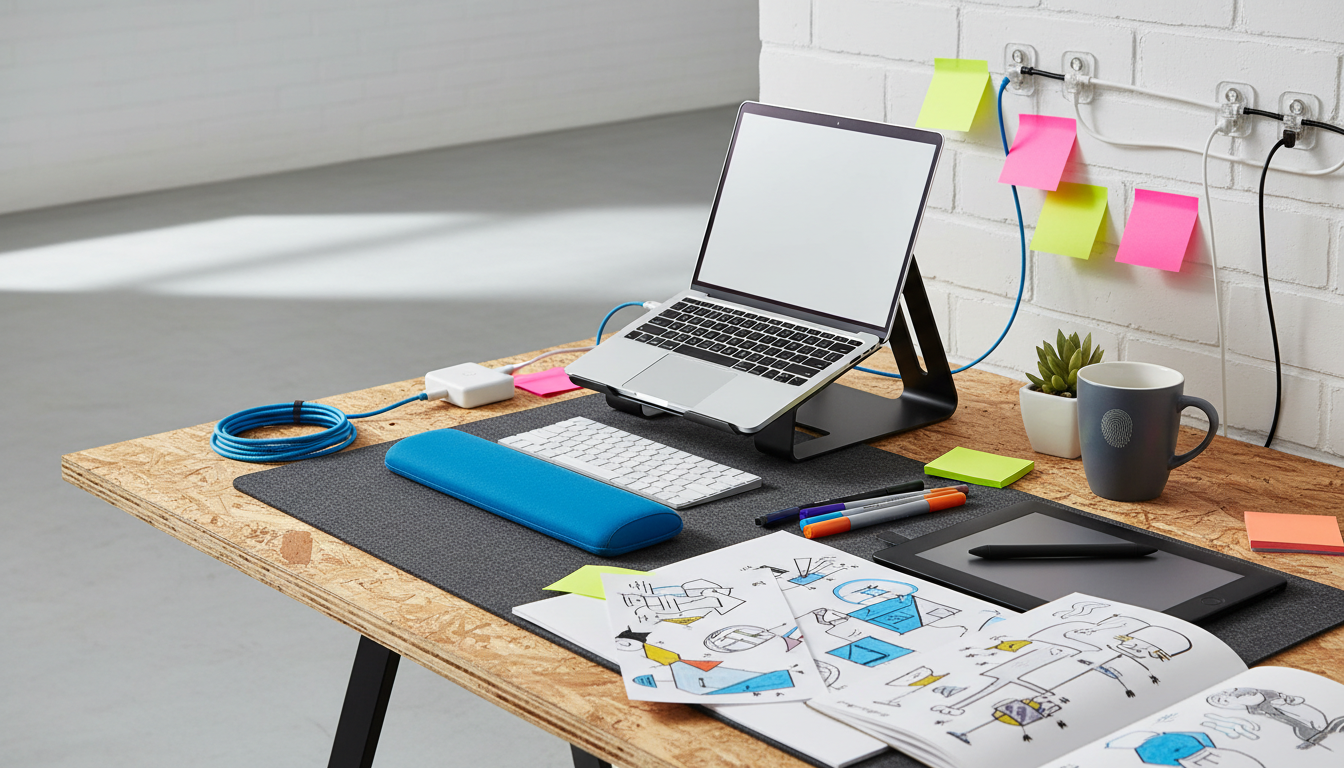
Compare riser feet, folding stands and fixed stands. Make room for a separate keyboard and mouse before raising the screen.
Read the guideMeasure your clear desktop, choose a mat for the way you move, and plan a cable route without drilling.
Read the guideA small desk laptop setup in five steps: measure the desk, place the screen, keyboard and mouse, then add a stand, mat or cable clips only where they fix a gap.
Read the articleCompare mat widths on 80, 90 and 100 cm desks, calculate side clearance, and check depth before choosing a size.
Read the articleCompare adhesive, clamp and freestanding cable-management approaches, check desk compatibility, and keep everyday cables accessible.
Read the articleThese guides help you make a decision before buying gear. We separate published specifications from practical setup suggestions.
How DeskBoost works